WaveSieve: 4 Audio Tools You Can Use Right in Your Browser
An overview of WaveSieve's audio processing suite: free format conversion, AI noise removal, vocal separation, and speech-to-text transcription.
WaveSieve is a set of audio processing tools that run in your browser. No software to install, no complex interfaces to learn. Upload a file (or don't — the converter works locally), and get your result.
Here's what each tool does, who it's for, and how much it costs.
Tool 1: Format Converter (Free)
What it does: Converts audio files between 10+ formats — MP3, WAV, FLAC, OGG, AAC, M4A, Opus, WebM, AIFF, and WMA.
What makes it different: The converter runs entirely in your browser using WebAssembly (FFmpeg.wasm). Your files never leave your device. No upload, no server processing, no privacy concerns.
Cost: Always free. No account required. No limits.
Who it's for: Anyone who needs to change an audio file from one format to another. Got an M4A voice memo that needs to be MP3? A WAV file you want to compress to FLAC? Just drag, drop, and download.
Try it: Format Converter
Tool 2: Audio Cleanup (15 credits)
What it does: Uses AI to remove background noise, echo, and reverb from recordings. Optional "Clean + Polish" mode goes further by improving clarity, balance, and loudness.
The AI behind it: Powered by Resemble Enhance, a state-of-the-art speech enhancement model.
Two modes:
- Quick Clean — Removes noise. Best for recordings with moderate background interference.
- Clean + Polish — Removes noise then enhances overall audio quality. Best for recordings destined for publication.
Who it's for: Podcasters cleaning up interview recordings, content creators improving voiceover quality, educators polishing lecture audio, anyone with a noisy recording that needs fixing.
Try it: Audio Cleanup
Tool 3: Vocal Remover (20 credits)
What it does: Separates a mixed audio track into 4 individual stems — vocals, drums, bass, and other instruments.
The AI behind it: Powered by Demucs, Meta's open-source music source separation model.
What you get: Four separate audio files, one for each stem. Keep the vocal, discard the rest (or vice versa).
Who it's for: Musicians isolating instrument parts for practice, DJs creating mashups and remixes, karaoke enthusiasts making backing tracks, producers sampling from existing recordings.
Try it: Vocal Remover
Tool 4: Speech to Text (15 credits)
What it does: Transcribes spoken audio into text using AI. Supports multiple languages and handles various accents.
The AI behind it: Powered by OpenAI's Whisper, trained on 680,000+ hours of multilingual audio.
Who it's for: Anyone who needs text from audio — meeting recordings, interviews, lectures, podcast episodes, voice memos.
Pro tip: For best transcription accuracy, run noisy recordings through Audio Cleanup first. Clean audio produces significantly better transcriptions. See Why You Should Clean Up Audio Before Transcribing It.
Try it: Speech to Text
The Credit System
Format Converter is always free. The three AI tools use credits:
| Tool | Credits per use |
|---|---|
| Format Converter | Free |
| Audio Cleanup | 15 credits |
| Vocal Remover | 20 credits |
| Speech to Text | 15 credits |
How to get credits:
- Free on signup: Every new account receives free credits to try AI tools immediately
- Monthly plans: Pro and Ultra plans include monthly credit allowances
- Credit packages: Buy credits as needed without a subscription
This pay-per-use model means you only pay for what you actually process. No subscription required for occasional use.
Privacy and Security
WaveSieve is designed with privacy in mind:
- Format Converter processes files entirely in your browser. Nothing is uploaded.
- AI tools require a file upload (the AI models run on servers), but files are automatically deleted after processing.
- No files are stored permanently. No data is used for training.
Who Should Use WaveSieve
- Podcasters — Clean recordings, convert formats, transcribe episodes
- Content creators — Remove background noise from voiceovers, convert files for different platforms
- Musicians — Extract stems for practice, remixing, or sampling
- Students and educators — Transcribe lectures, clean up classroom recordings
- Business professionals — Transcribe meetings, clean up call recordings
- Casual users — Convert that one file that won't play on your device
Get Started
The fastest way to see what WaveSieve can do is to try it. The Format Converter works instantly with no account. For AI tools, create a free account and use your starter credits.
More Posts
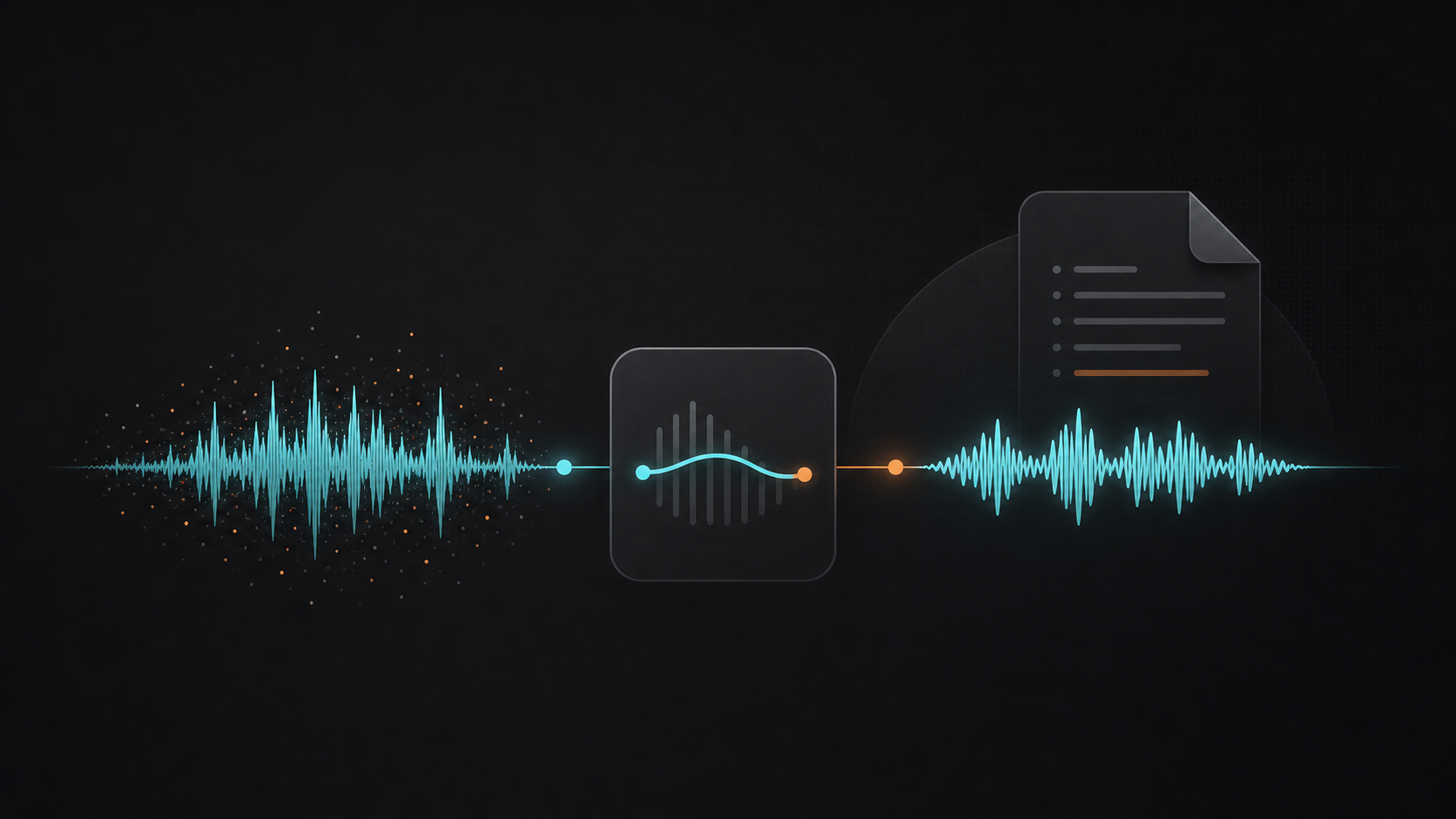
Why You Should Clean Up Audio Before Transcribing It
Noisy recordings lead to poor transcriptions. Learn how to clean up audio before sending it to speech-to-text for dramatically better results.

Best Audio Format for Podcasts: MP3, AAC, or WAV?
Find the ideal audio format for your podcast considering file size, sound quality, platform compatibility, and listener experience.
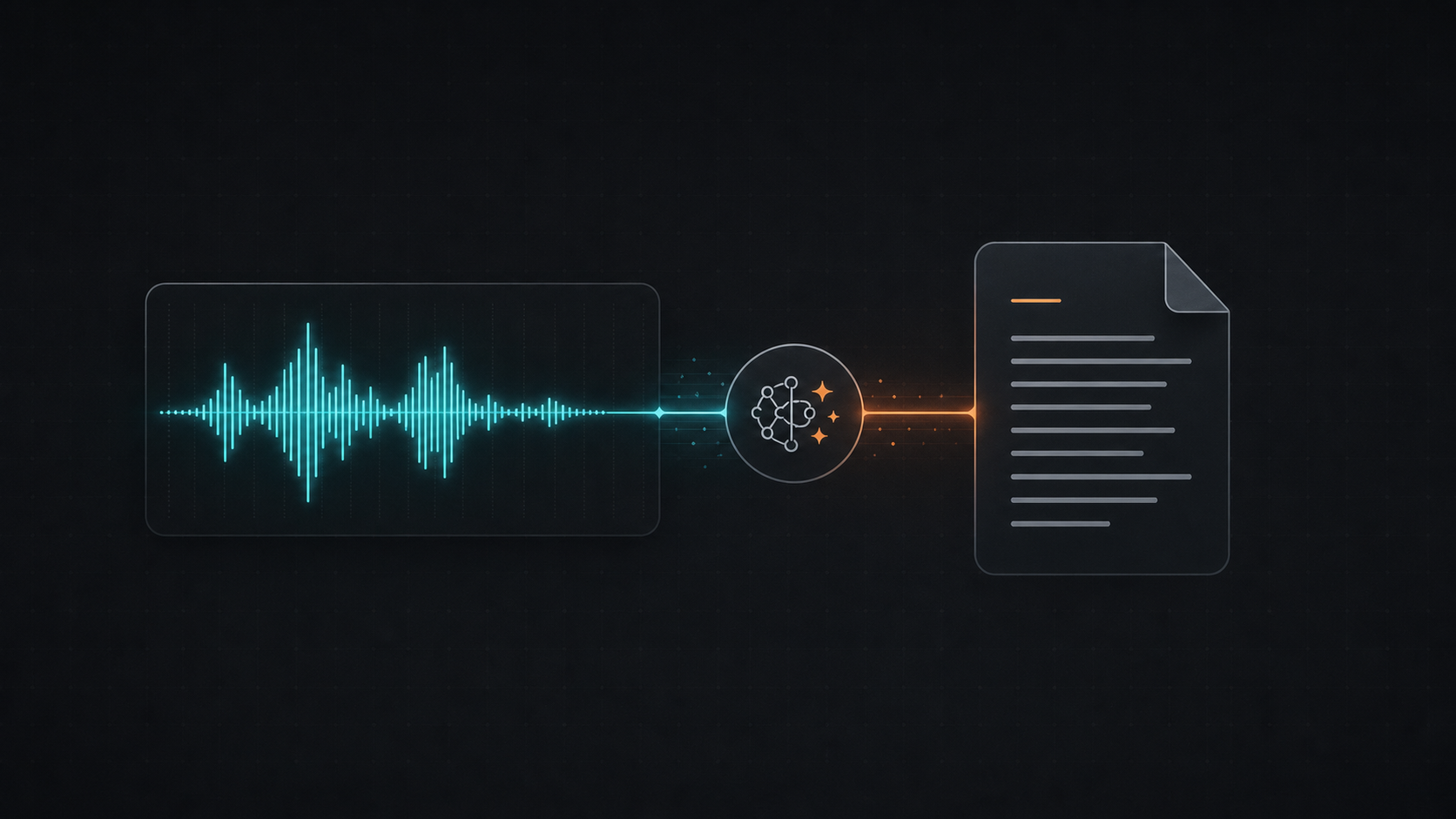
How to Transcribe Audio to Text with AI (Fast and Accurate)
Turn audio recordings into accurate text transcriptions using AI. Perfect for meetings, interviews, lectures, and podcasts.
Newsletter
Join the community
Subscribe to our newsletter for the latest news and updates